> ## Documentation Index
> Fetch the complete documentation index at: https://docs.simli.com/llms.txt
> Use this file to discover all available pages before exploring further.
# Create Avatar
> Create your own Simli avatar
Click here to start creating your own Simli avatar in our webapp.
 ### Instructions
1. Upload an image of the face you want to use to [create avatar](https://app.simli.com/create/select).
2. Wait for the avatar to be created. This can take a couple of hours. If you don't want to wait, use one of our [Default Faces](/api-reference/preset-faces)
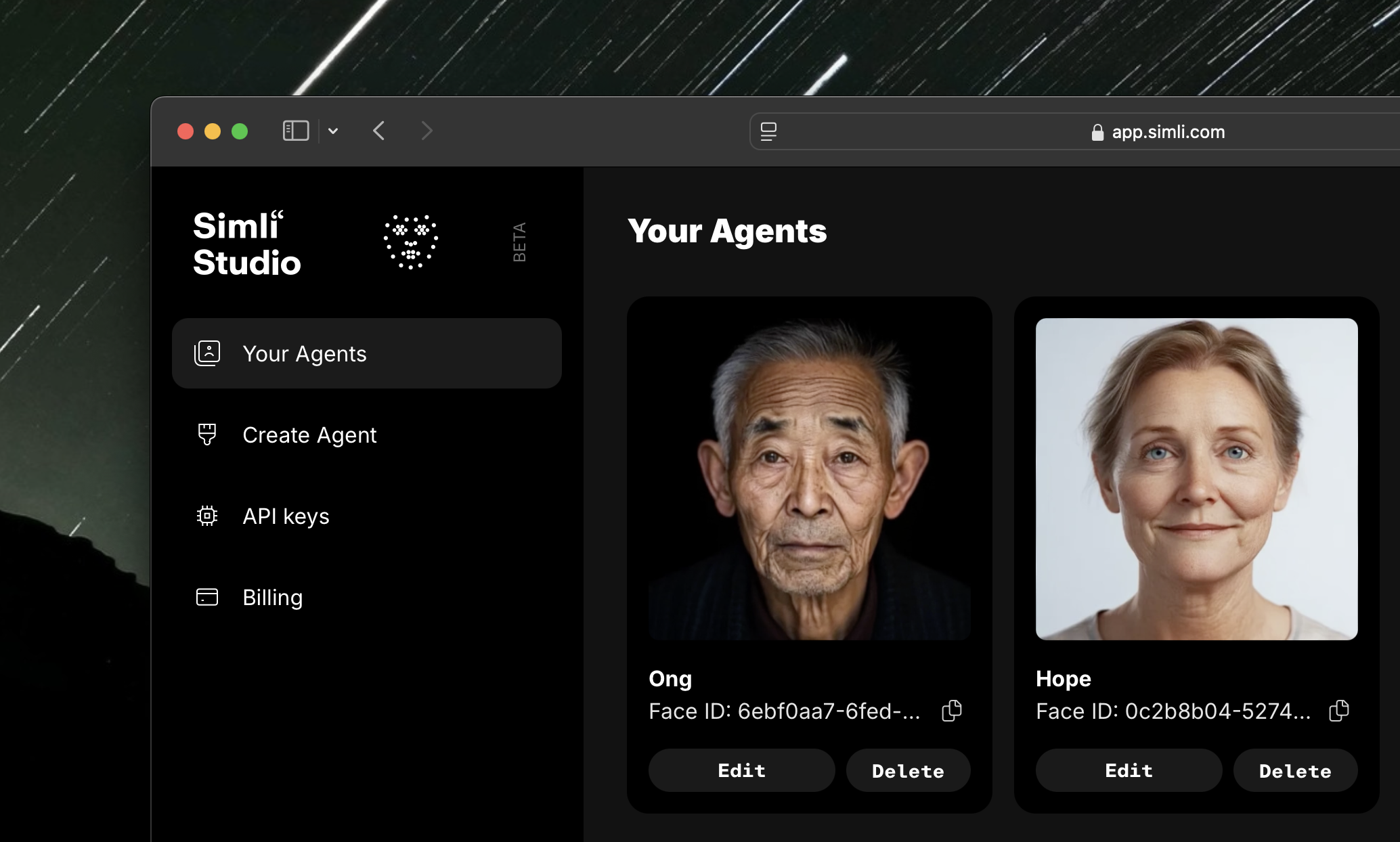
3. Find your avatar in the [Your Avatars](https://app.simli.com) section.
### Instructions
1. Upload an image of the face you want to use to [create avatar](https://app.simli.com/create/select).
2. Wait for the avatar to be created. This can take a couple of hours. If you don't want to wait, use one of our [Default Faces](/api-reference/preset-faces)
3. Find your avatar in the [Your Avatars](https://app.simli.com) section.